Android
Development
Three projects across one semester
Three Android apps built across a mobile development course, each introducing a new layer of Android architecture — from fragment communication patterns to MVVM with LiveData to a full Room database with Navigation component and reactive UI.
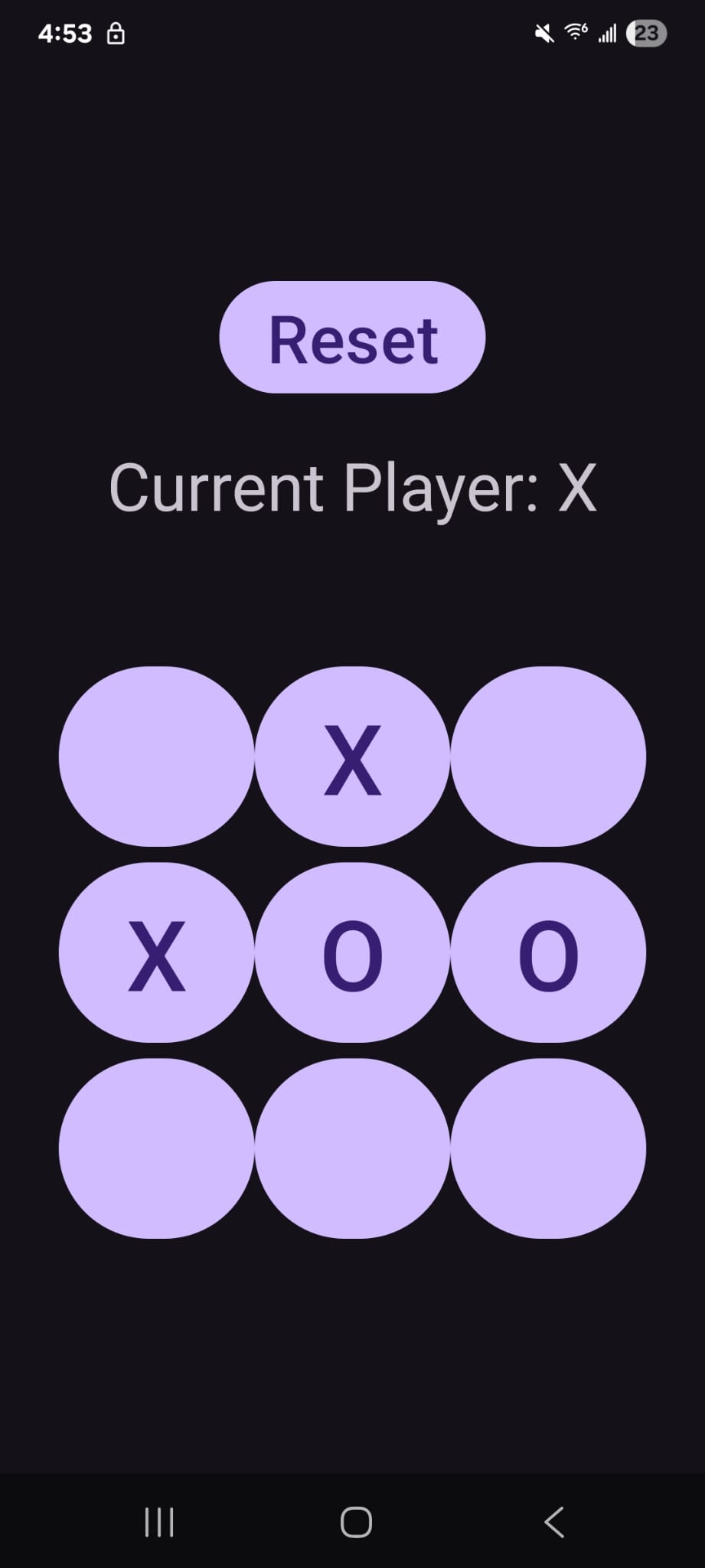
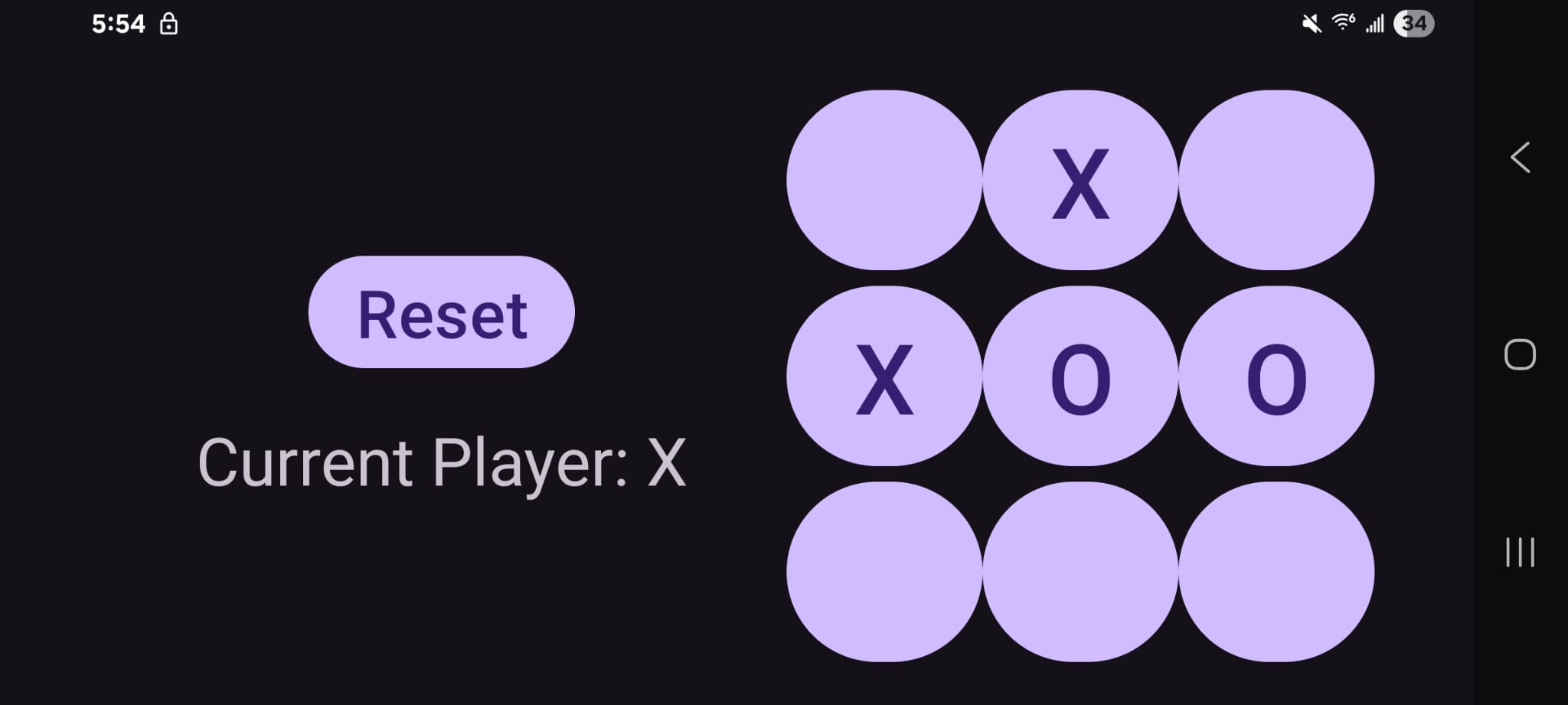
A two-player Tic Tac Toe game demonstrating Android fragment communication patterns and separation of game logic from UI.
The game is split across two fragments — BoardFragment renders the 3×3
grid and handles move input, while StatusFragment displays the current
player and a reset button. The two fragments never reference each other directly.
Instead, each fragment defines a listener interface for the actions it needs to trigger. MainActivity implements both interfaces and acts as the coordinator — routing
calls between fragments without them needing to know the other exists. This is the classic Android
fragment communication pattern — modern apps often use a shared ViewModel instead, but the
principle of fragments not referencing each other directly remains the same.
restoreBoard() repopulates the grid from the singleton's state on every
onCreateView — so rotating the screen mid-game preserves the board exactly
as it was.
// MainActivity implements both fragment interfaces —
// fragments define what they need, activity routes it
class MainActivity : AppCompatActivity(),
    BoardFragment.BoardFragmentListener,
    StatusFragment.StatusFragmentListener
{
    override fun UpdateStatus(status: String) {
        // Board tells Activity → Activity tells Status
        val statusFragment = binding.statusFragment
            .getFragment<StatusFragment>()
        statusFragment.UpdateStatus(status)
    }

    override fun resetBoard() {
        // Status tells Activity → Activity tells Board
        val boardFragment = binding.boardfragment
            .getFragment<BoardFragment>()
        boardFragment.resetBoard()
    }
}
Game logic lives entirely in a TicTacToe singleton — move validation, win
detection, draw detection, player switching. The fragments only call into it and render what it
returns. No game state lives in the UI layer.
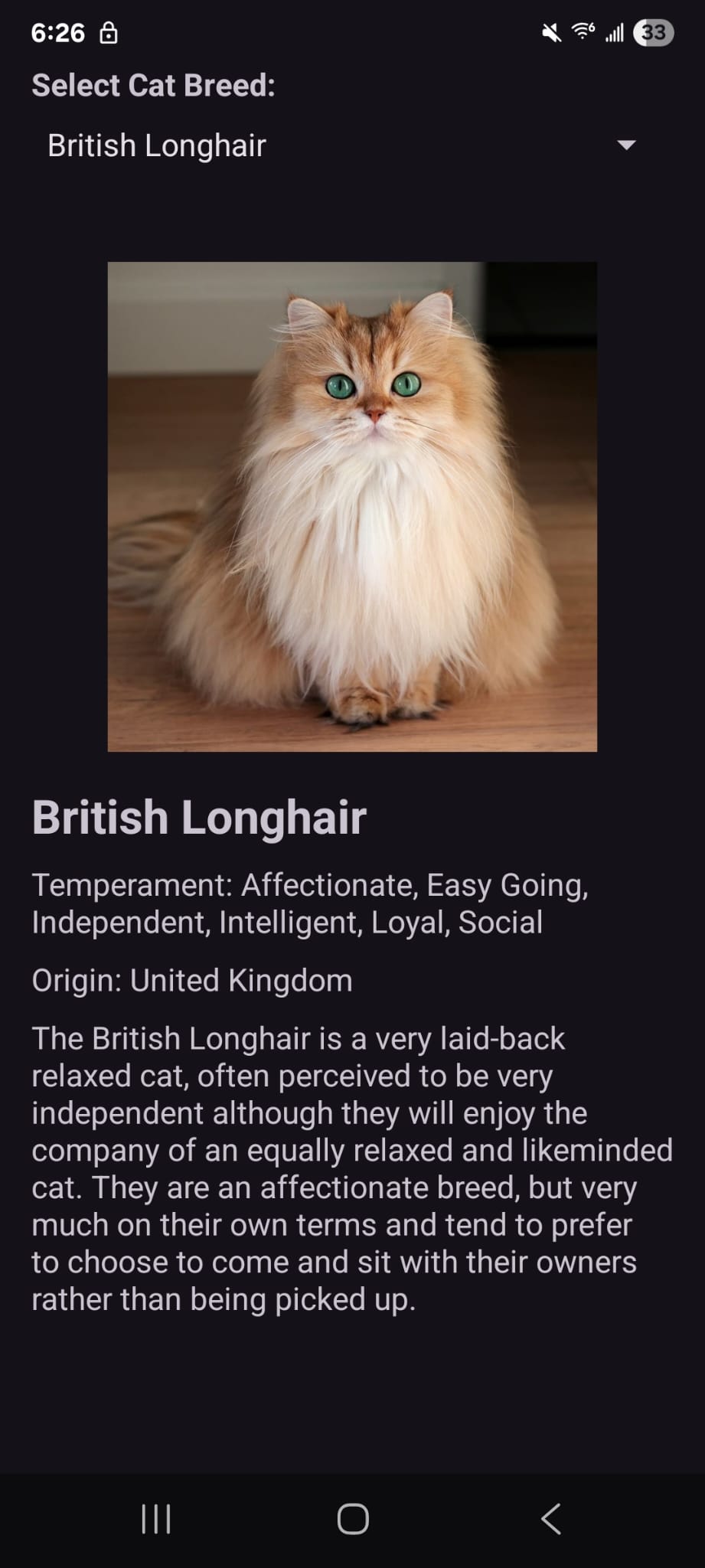
An app that fetches cat breed data from The Cat API and displays breed details with images — built around MVVM architecture with LiveData and Volley.
ViewModel — CatViewModel owns all data and survives
configuration changes like screen rotation. It fetches breeds from The Cat API via Volley on
initialization and exposes results through LiveData. Both fragments share the same ViewModel instance
via ViewModelProvider(requireActivity()).
MutableLiveData vs LiveData — the ViewModel holds MutableLiveData privately so only it can write new values. Fragments get a
read-only LiveData reference — they can observe changes but can't set
values directly, keeping data flow strictly one-directional.
Glide handles image loading from the API's image URLs — placeholder while loading, error image on failure — without the fragment managing any of that complexity manually.
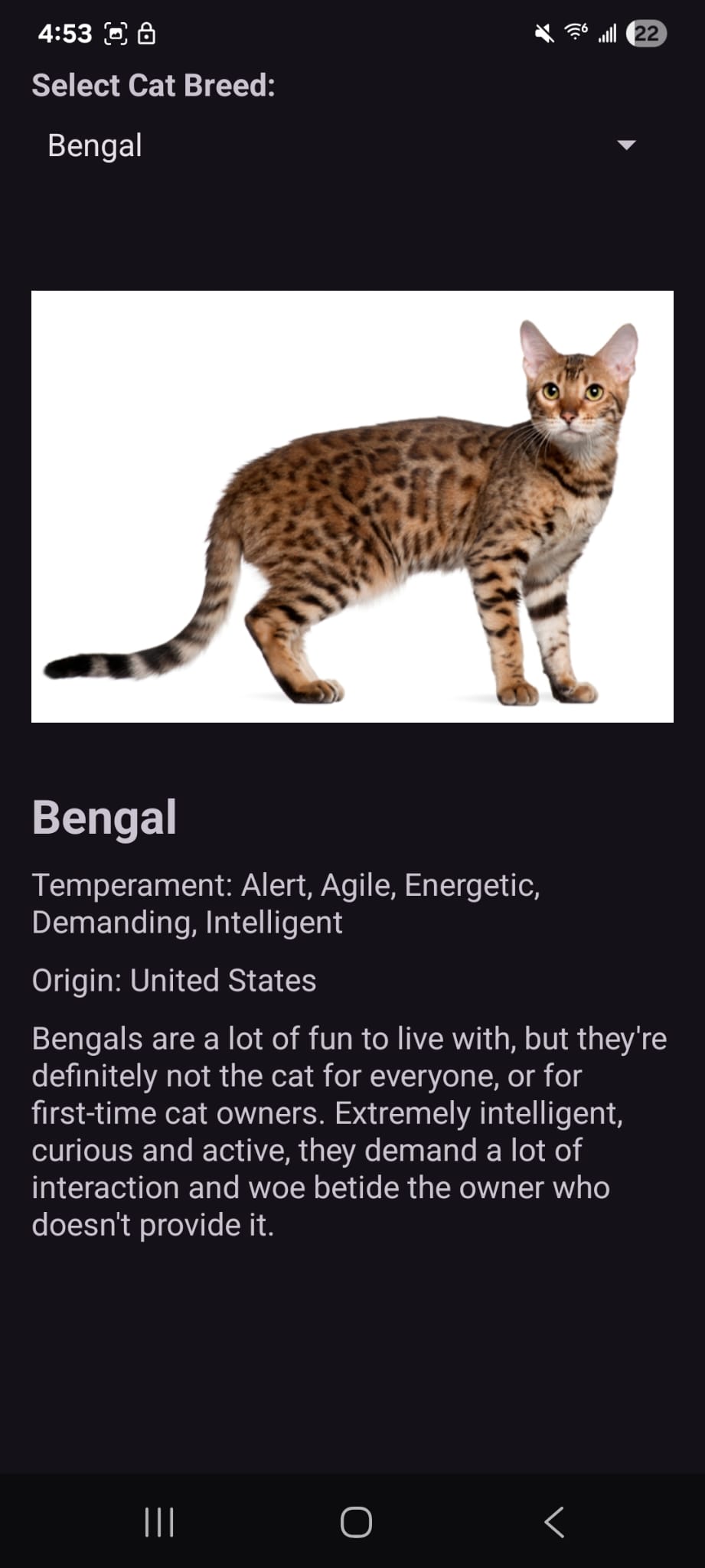
ArrayAdapter calls toString() on each item to
render it in the spinner. CatBreed overrides toString() to return just the breed name — without this the spinner would show
raw object references.
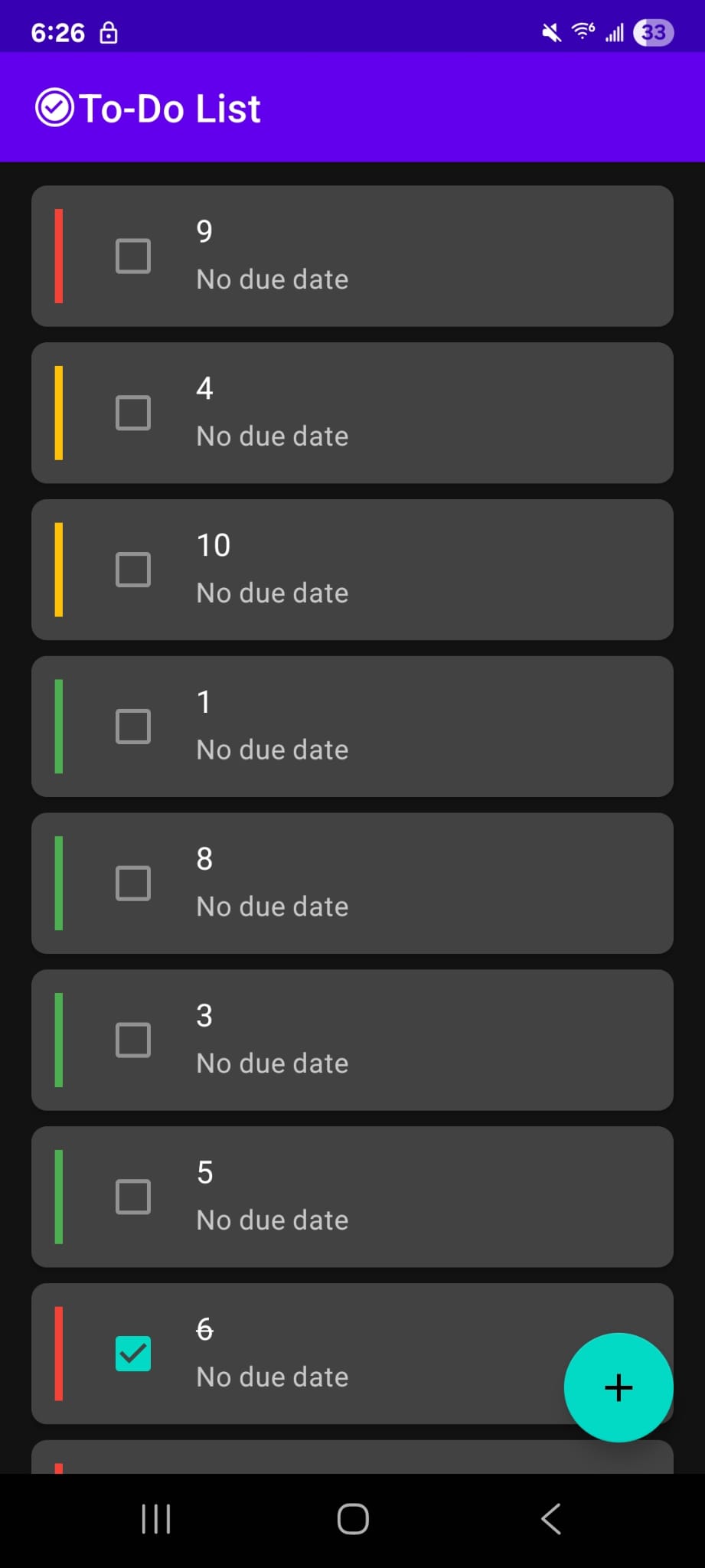
A full-featured task manager with local persistence, multi-screen navigation, and a reactive UI that animates smoothly as tasks are completed and reordered.
The most interesting aspect of the Todo List is how a single database write propagates all the way to a
smooth animated list update without any manual refresh logic. Room returns a LiveData<List<Task>> from the DAO — meaning every time the tasks table changes, Room automatically re-runs the query and emits the new list.
The observer receives it, calls submitList(), and DiffCallback computes the minimum set of changes needed to get from the old list
to the new one.
When a task is marked complete the DB query re-runs with ORDER BY isCompleted, priority DESC, dueDate — the completed task now sorts to the
bottom. DiffCallback identifies the item by ID (areItemsTheSame), sees its
contents changed (areContentsTheSame returns false), and tells RecyclerView to
rebind and animate it to its new position simultaneously. The strikethrough and checkbox update happens at
the same time as the slide animation.
Navigation component manages the back stack between the task list, task detail, and
add task screens. The nav graph declares taskId: Long as a required
argument for TaskDetailFragment — Safe Args generates type-safe Directions and Args classes at compile time, so a
missing or wrong-type argument is a compile error rather than a runtime crash.
TypeConverters handle the Date field on Task — SQLite has no native date type, so Room calls the converter to
serialize Date to a Long (milliseconds since
epoch) on write and deserialize back on read. This happens transparently — the DAO and ViewModel work
with Date objects and never see the raw Long.
Immutable updates — tasks are never mutated directly. The detail fragment fetches
the current task, calls copy() with the edited fields, and passes the new
object to taskViewModel.update(). The original task's ID is preserved
automatically.
<!-- taskId declared as required Long argument -->
<fragment
    android:id="@+id/taskDetailFragment"
    android:name="...TaskDetailFragment">
    <argument
        android:name="taskId"
        app:argType="long" />
</fragment>

// Type-safe navigation — missing taskId = compile error
val action = TaskListFragmentDirections
    .actionTaskListFragmentToTaskDetailFragment(
        taskId = task.id
    )
findNavController().navigate(action)

// Retrieve in destination fragment
val args: TaskDetailFragmentArgs by navArgs()
val taskId = args.taskId
// copy() preserves id and any unspecified fields —
// only the listed fields are replaced
val updatedTask = it.copy(
    title = title,
    description = description,
    dueDate = dueDate,
    priority = priority,
    isCompleted = isCompleted
)
taskViewModel.update(updatedTask)
TaskAdapter extends ListAdapter rather than
the base RecyclerView.Adapter. ListAdapter
manages its own internal list and runs DiffCallback on a background thread
whenever submitList() is called.
DiffCallback uses two methods — areItemsTheSame matches items by id to establish
identity across the old and new list, then areContentsTheSame compares
matched pairs to check if any data changed. Since Task is a data class, == compares all fields automatically.
Click handling is kept out of the adapter entirely — the adapter constructor takes two lambdas (onTaskClick and onCheckboxClick) and the fragment
decides what happens, keeping the adapter reusable.
class TaskDiffCallback : DiffUtil.ItemCallback<Task>() {

    override fun areItemsTheSame(
        oldItem: Task, newItem: Task
    ): Boolean {
        // Same entity? Match by stable ID
        return oldItem.id == newItem.id
    }

    override fun areContentsTheSame(
        oldItem: Task, newItem: Task
    ): Boolean {
        // Data class == compares all fields automatically
        return oldItem == newItem
    }
}