Game
Shop
Multi-page store with login-protected pages and cart
A multi-page game store built with vanilla JavaScript and a Node.js/Express backend — login and account creation, a browsable game catalog, a persistent cart, and a checkout flow that adds purchased games to the user's collection.
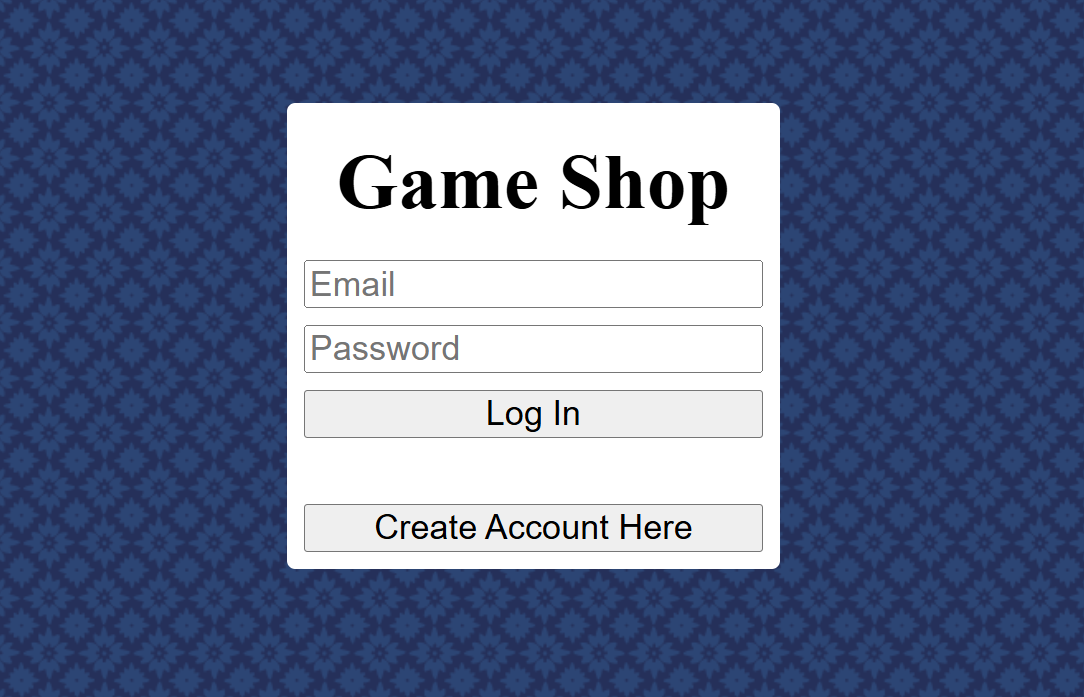
On a successful login or account creation the server returns a userId which
is stored in sessionStorage. Every protected page checks for it immediately
on load and redirects to the login page if it isn't present — keeping unauthenticated users out of the
store and checkout without a server round-trip on every navigation.
The cart is also stored in sessionStorage as a JSON array of game IDs,
persisting across page navigations for the duration of the session and cleared on logout.
email column — the
server returns the MariaDB ER_DUP_ENTRY error code directly and the client
maps it to a user-facing message.
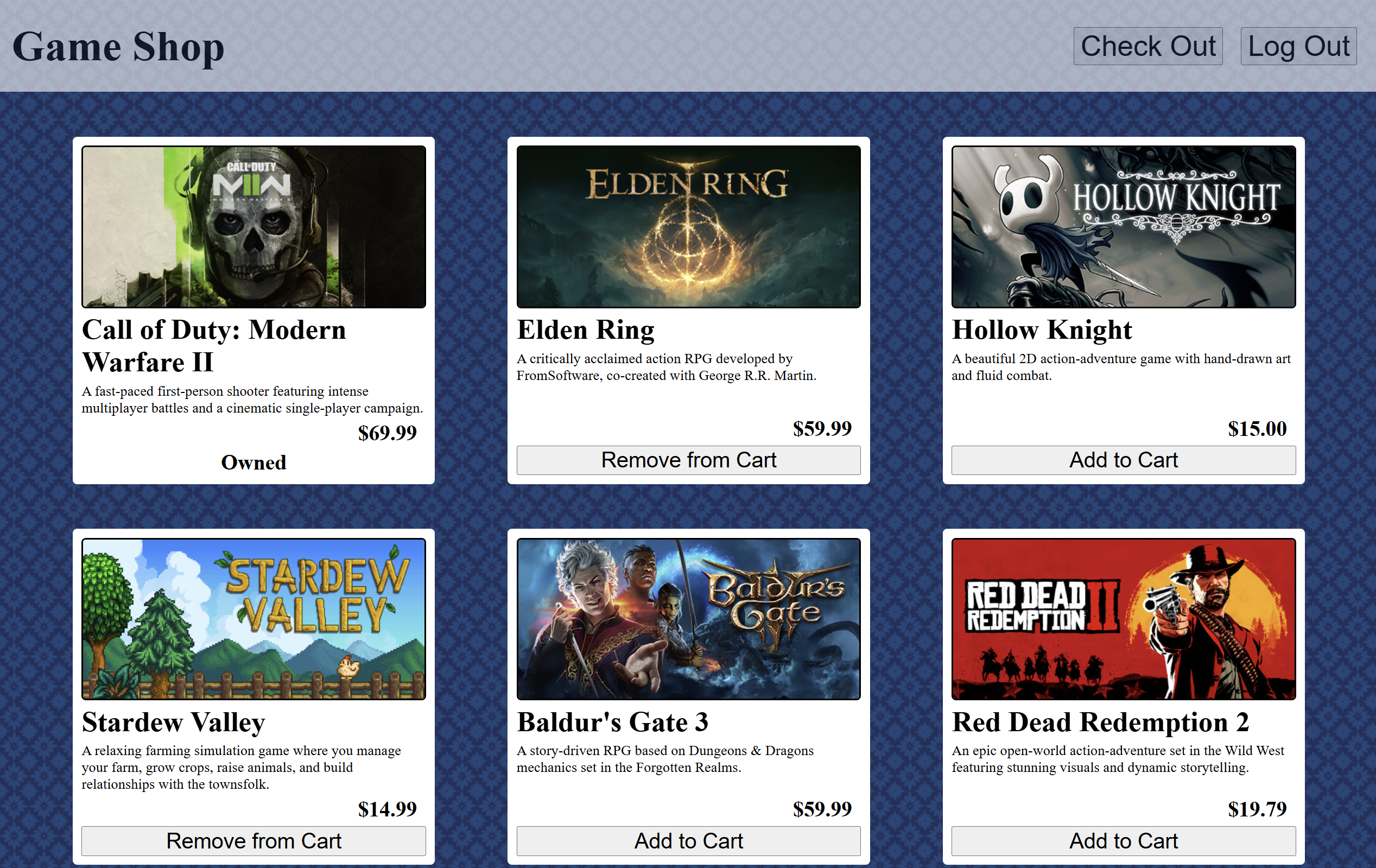
Loading the store fires two fetches in sequence — all games from the catalog, and the list of game IDs the current user already owns. Each game card is then rendered with one of three states based on that data: Owned if the user already has it, Remove from Cart if it's in the current session cart, or Add to Cart otherwise.
The Add/Remove button swaps its own label and onclick handler in place when
clicked — the cart array in sessionStorage is updated at the same time so the
state survives a page refresh.
The checkout page reads the cart from sessionStorage and resolves the game
IDs against the full games list from the API to display titles and prices. Removing an item from the
cart updates the displayed total in place and removes the row — if the cart empties the payment form is
removed from the page entirely.
On purchase each game in the cart is added to the user's collection via a PUT request to /addgame. A simulated payment delay gives the flow a realistic feel before the
confirmation screen appears with a confetti animation and a summary of what was purchased.
A Node.js/Express server handles all backend operations. All queries use parameterized statements to prevent SQL injection.
| Method | Endpoint | Details |
|---|---|---|
| POST | /login |
Looks up account by email, compares password, returns userId on match
|
| POST | /create |
Inserts new user, returns userId — duplicate email caught via ER_DUP_ENTRY |
| GET | /games |
Returns full game catalog |
| GET | /usergames |
Returns array of game IDs owned by the given userId |
| PUT | /addgame |
Inserts a row into user_game — called once per purchased game on
checkout |